

HKPC Speech: 40% Cost Reduction, 10x Market Growth — The Practical Logic of Expanding AI into Malaysia
HKPC speech by Michael So on expanding AI into Malaysia — covering 40% cost reduction,
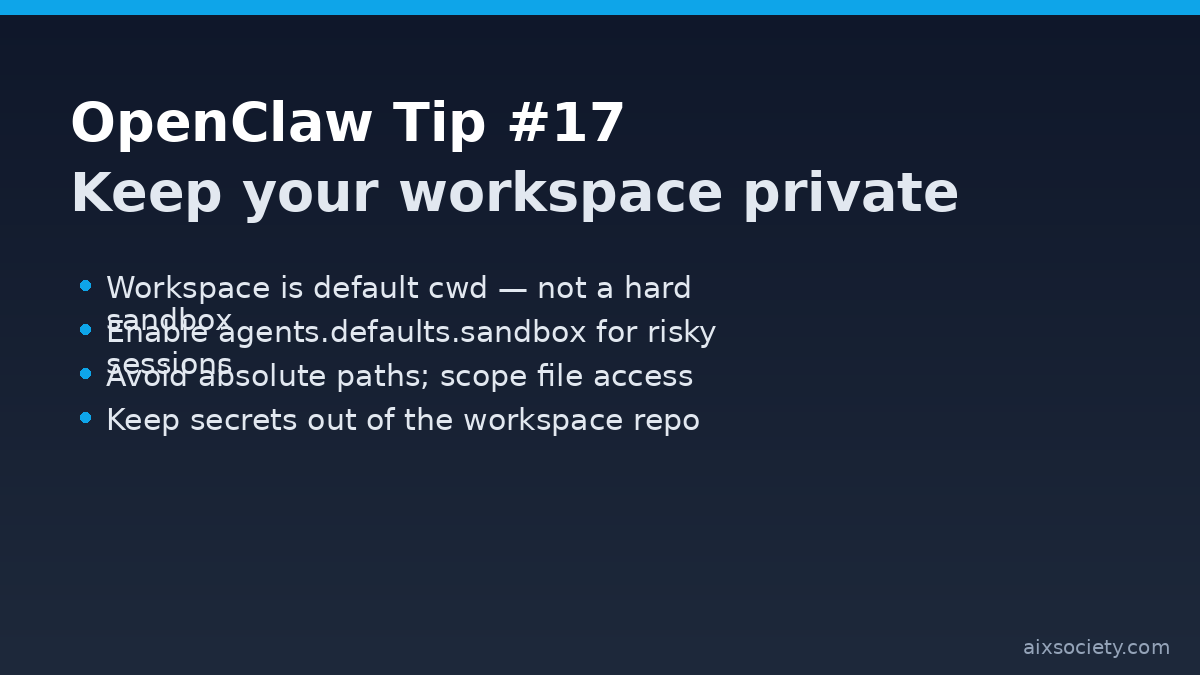
Your OpenClaw workspace is the agent’s home directory for file tools and context, so you should treat it like memory and keep it private. The OpenClaw docs also warn that the workspace is the default working directory, not a hard sandbox: absolute paths can still reach other parts of the host unless sandboxing is enabled.
Older installs sometimes leave multiple workspace folders around (for example ~/openclaw alongside the default workspace). OpenClaw recommends keeping a single active workspace to avoid confusing auth or state drift. Archive or remove extra folders you no longer use.
Because absolute paths can escape the workspace when sandboxing is off, enable sandboxing for any agent that might run shell commands, process untrusted inputs, or handle files you don’t fully control.
In your OpenClaw config, turn on sandbox defaults and restrict workspace access for those sessions (read-only when possible). The docs call out agents.defaults.sandbox and note that non-"rw" workspaceAccess routes tools into a sandbox workspace under ~/.openclaw/sandboxes.
When you write skills or prompts that reference files, prefer relative paths inside the workspace and keep sensitive directories off-limits by policy. If you must use absolute paths, treat them as a privileged exception and require human approval.
OpenClaw separates the workspace from ~/.openclaw/, which stores config, credentials, and sessions. Don’t commit ~/.openclaw/ contents into version control. If you back up your workspace with Git, use a private repo and add a strict .gitignore for any secret-like files (.env, *.key, *.pem, etc.).
Related: See yesterday’s OpenClaw Tip #16 on security audits and auto-fixes to keep tightening your deployment over time.
HKPC speech by Michael So on expanding AI into Malaysia — covering 40% cost reduction,
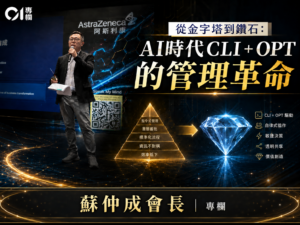
By Michael So I recently held a lunch-and-learn session at the office centered on two
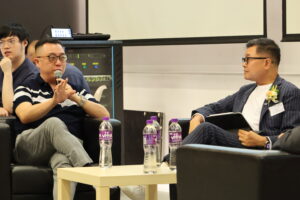
Last Tuesday (June 23), I had the privilege of serving as a panelist at Saint
HKOEA Consultancy
Licence No. 59684
© 2026 Artificial Intellegence Application Research Society. All rights reserved
by Originals Group – Hong Kong, Malaysia, GBA