

HKPC Speech: 40% Cost Reduction, 10x Market Growth — The Practical Logic of Expanding AI into Malaysia
HKPC speech by Michael So on expanding AI into Malaysia — covering 40% cost reduction,

This guide covers downloading, installing, registering, logging in, and initial setup to help you get started with Wukong.
Applicable Scenarios: Daily office work, deep control of local files and applications, long-term stable use.
How to Get: Download Immediately from Official Website
System Requirements:
Core Value:
Upon first launch, Wukong will guide you through:
HKPC speech by Michael So on expanding AI into Malaysia — covering 40% cost reduction,
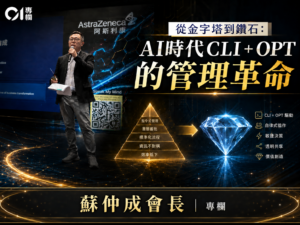
By Michael So I recently held a lunch-and-learn session at the office centered on two

Last Tuesday (June 23), I had the privilege of serving as a panelist at Saint
HKOEA Consultancy
Licence No. 59684
© 2026 Artificial Intellegence Application Research Society. All rights reserved
by Originals Group – Hong Kong, Malaysia, GBA