

HKPC Speech: 40% Cost Reduction, 10x Market Growth — The Practical Logic of Expanding AI into Malaysia
HKPC speech by Michael So on expanding AI into Malaysia — covering 40% cost reduction,
On this page
Just enter the requirements in New Task, and Wukong will operate your computer like a real assistant, automatically completing various tasks from simple to complex. Supports execution on local computer. Models can be selected from Standard, Advanced, Ultimate Edition, and can also be customized to add models.

Open Wukong > +New Task on the left, you can upload pictures or files, upload folders, etc., describe the tasks that need to be created by Wukong;

After the task is completed, you can find the corresponding task. Click the upper right corner to expand the sidebar to view the files in this task. Click to view the details.


If you want to terminate the task, click the pause button below.

If you need to delete a task, you can go to Conversation History on the left, select the corresponding task […] and Delete.

Answer: The model differences are as follows:
HKPC speech by Michael So on expanding AI into Malaysia — covering 40% cost reduction,
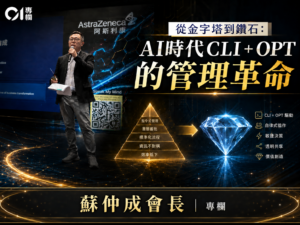
By Michael So I recently held a lunch-and-learn session at the office centered on two
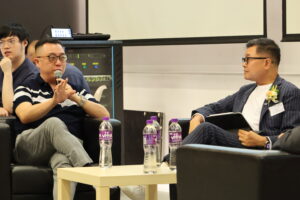
Last Tuesday (June 23), I had the privilege of serving as a panelist at Saint
HKOEA Consultancy
Licence No. 59684
© 2026 Artificial Intellegence Application Research Society. All rights reserved
by Originals Group – Hong Kong, Malaysia, GBA