

HKPC Speech: 40% Cost Reduction, 10x Market Growth — The Practical Logic of Expanding AI into Malaysia
HKPC speech by Michael So on expanding AI into Malaysia — covering 40% cost reduction,

A: Wukong is an AI-driven intelligent agent work platform that lets AI operate your computer like a real human assistant, helping you complete various work tasks from simple to complex. Wukong is not a chatbot, but an AI desktop agent that can take action.
A: You can access Wukong through:
A:
A: Wukong uses a consumption unit (算粒) system. Different tasks consume different amounts of units based on complexity and duration.
A: Wukong requires internet connectivity for AI processing, but task status syncs across devices so you can monitor progress from mobile even when your computer is offline.
A: Yes, Wukong follows enterprise-grade security standards and integrates with DingTalk’s security infrastructure.
HKPC speech by Michael So on expanding AI into Malaysia — covering 40% cost reduction,
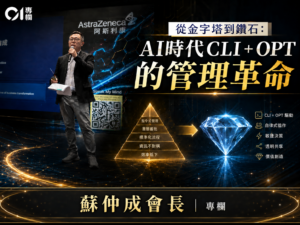
By Michael So I recently held a lunch-and-learn session at the office centered on two
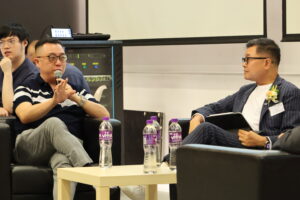
Last Tuesday (June 23), I had the privilege of serving as a panelist at Saint
HKOEA Consultancy
Licence No. 59684
© 2026 Artificial Intellegence Application Research Society. All rights reserved
by Originals Group – Hong Kong, Malaysia, GBA