

From Pyramid to Diamond: The Management Revolution of the AI Era
By Michael So I recently held a lunch-and-learn session at the office centered on two
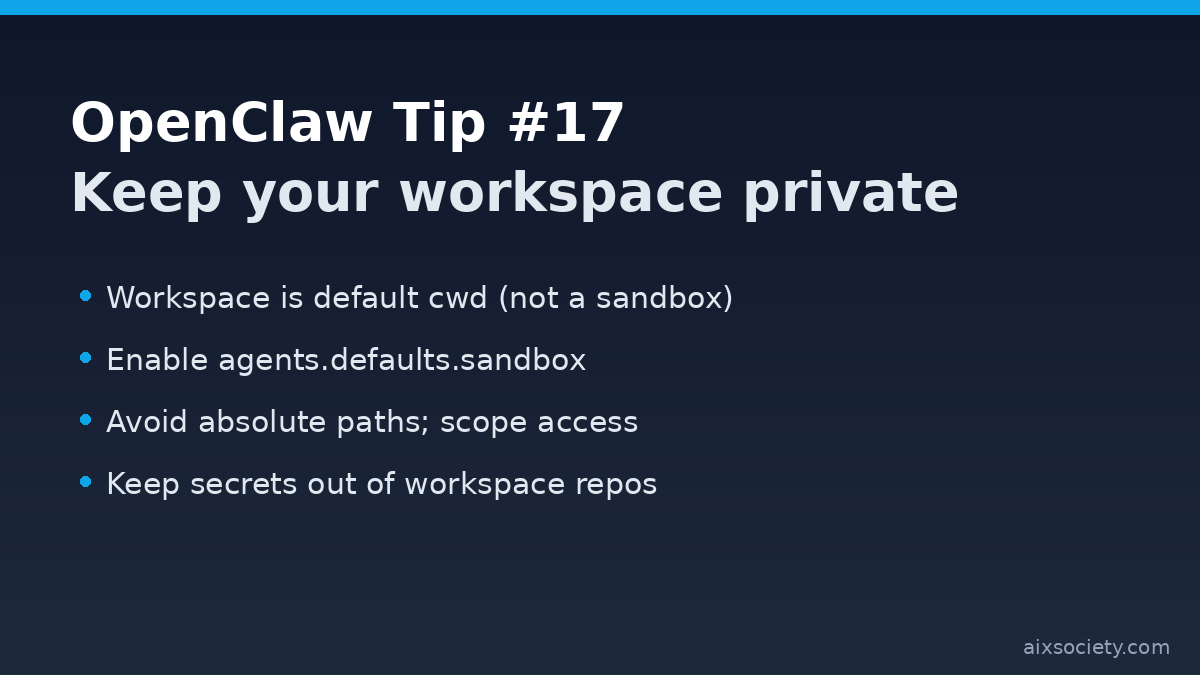
OpenClaw’s gateway state folder (~/.openclaw) can contain credentials, session transcripts, and plugin code. A simple, high-impact hardening step is to tighten file permissions so other local users (or misconfigured processes) can’t read or modify it.
OpenClaw’s security docs recommend keeping ~/.openclaw private (typically 700) and your main config file ~/.openclaw/openclaw.json restricted (typically 600). This reduces the risk of secrets leakage and unauthorized configuration changes.
ls -ld ~/.openclaw
ls -l ~/.openclaw/openclaw.jsonRun these commands on the machine hosting the gateway:
chmod 700 ~/.openclaw
chmod 600 ~/.openclaw/openclaw.jsonThe openclaw doctor and security audit flows can warn about unsafe permissions and help you tighten them:
openclaw doctor
openclaw security audit --fixKeyword note: If you run OpenClaw on a shared machine (or inside a VPS with multiple users), tightening gateway permissions is one of the fastest security upgrades you can make.
By Michael So I recently held a lunch-and-learn session at the office centered on two

Last Tuesday (June 23), I had the privilege of serving as a panelist at Saint

In recent years, a striking term has emerged in the technology world: biocomputing. At first
HKOEA Consultancy
Licence No. 59684
© 2026 Artificial Intellegence Application Research Society. All rights reserved
by Originals Group – Hong Kong, Malaysia, GBA