
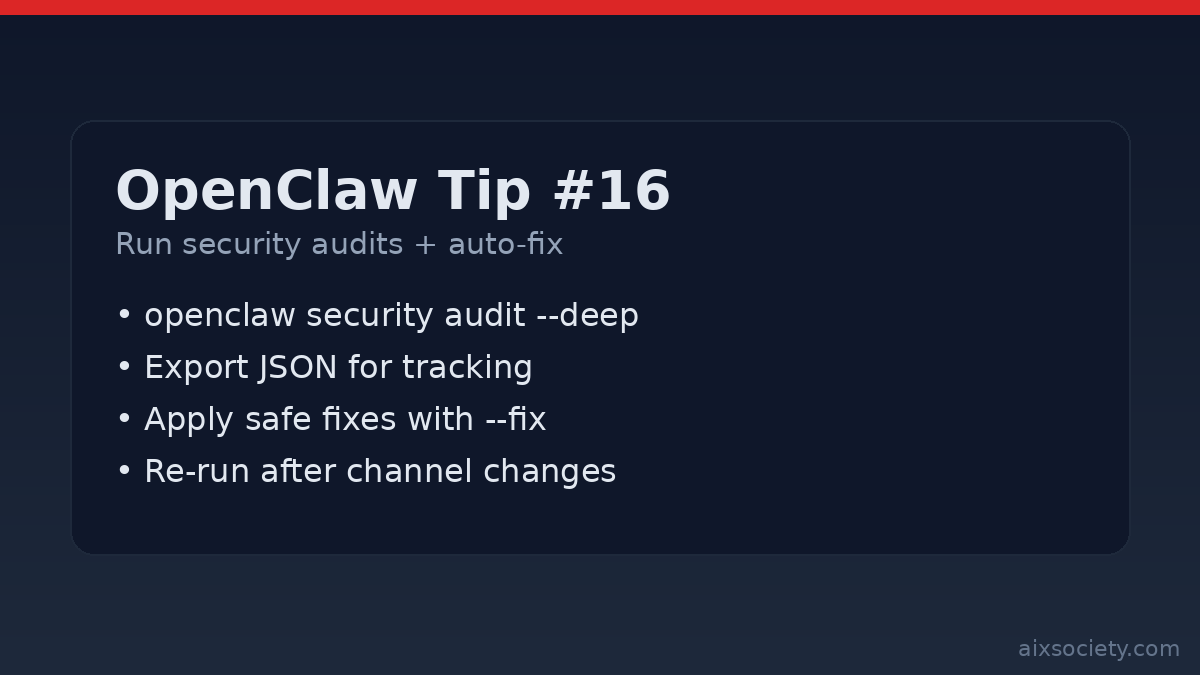
OpenClaw Tip #16: Run security audits + auto-fix
Run OpenClaw security audits (including –deep) and apply safe auto-fixes to harden file perms, channels,
OpenClaw setups tend to get riskier over time: you add channels, install new plugins, loosen tool policies, or move the gateway behind a proxy. A fast way to catch drift is to run the built-in security audit regularly and treat the results as an operational checklist.
From the machine running OpenClaw, start with the default audit:
openclaw security auditThis is designed to flag common foot-guns (like overly-open permissions on your OpenClaw state directory) before they turn into incidents.
After connecting a new channel, changing gateway exposure, or installing a plugin/skill, run the deeper pass:
openclaw security audit --deepUse this version when you want a more comprehensive review before you “go live.”
If you want to track hardening work (or share findings with a teammate), export machine-readable output:
openclaw security audit --json > openclaw-security-audit.jsonTip: commit the JSON to a private repo or store it alongside your ops notes (not in a public place), because it may contain sensitive paths and environment details.
When the audit reports issues that OpenClaw can safely remediate, apply them with:
openclaw security audit --fixThen immediately re-run the audit to confirm the state is clean:
openclaw security audit --deepEven if you use --fix, it’s useful to know the baseline targets. A common hardened posture is:
~/.openclaw is 700 (only your OpenClaw OS user can access it).~/.openclaw/openclaw.json is 600 (only readable/writable by that user).Remember: OpenClaw session transcripts are stored on disk (for example under ~/.openclaw/agents/<agentId>/sessions/*.jsonl), so filesystem access is effectively the trust boundary.
Rule of thumb: run openclaw security audit weekly, run --deep after any meaningful change, and treat every red finding as a reason to reduce scope (tools, channels, filesystem) before adding more power.
Run OpenClaw security audits (including –deep) and apply safe auto-fixes to harden file perms, channels,
OpenClaw Tip #15: reduce data-exfiltration risk by restricting outbound traffic, allowlisting endpoints, and blocking cloud
OpenClaw prompt injection defense: define red-line rules, separate reader vs doer work, and require approval
HKOEA Consultancy
Licence No. 59684
© 2025 Artificial Intellegence Application Research Society. All rights reserved
by Originals Group – Hong Kong, Malaysia, GBA