
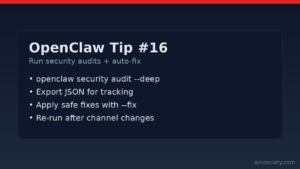
OpenClaw Tip #16: Run security audits + auto-fix
Run OpenClaw security audits (including –deep) and apply safe auto-fixes to harden file perms, channels,
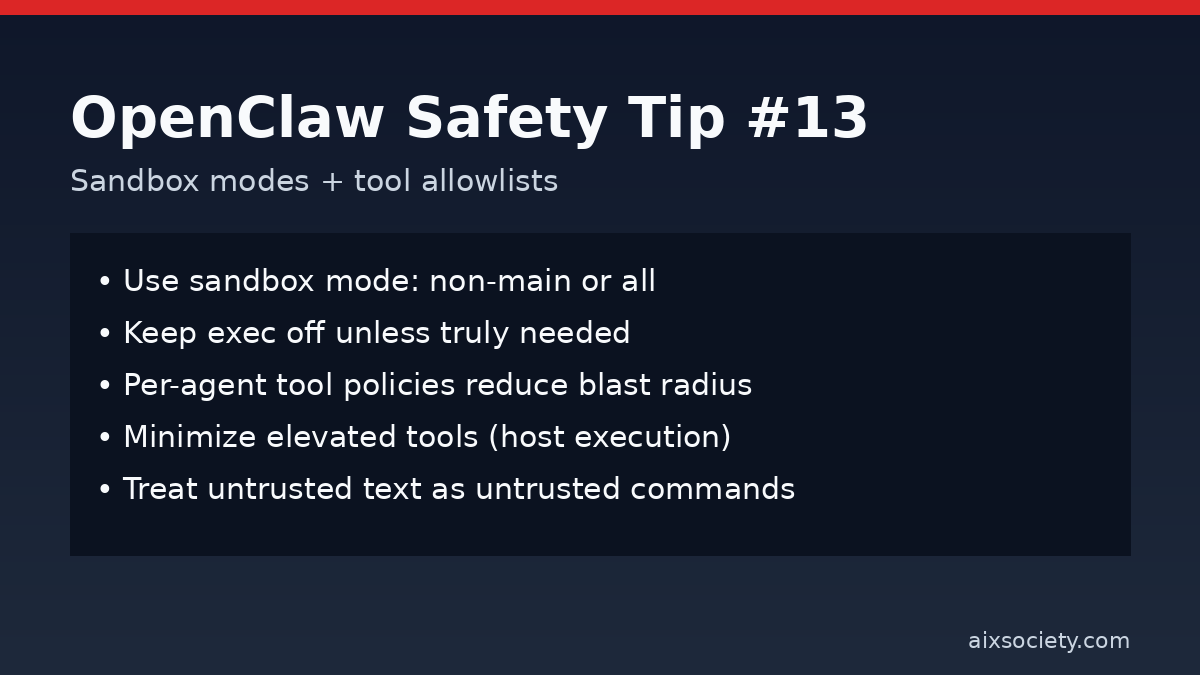
When OpenClaw can run tools (files, terminal, web, integrations), the main safety lever you control is where tool calls execute and which tools are allowed. Today’s tip is a quick hardening pattern: use sandbox modes plus strict tool allowlists so untrusted content can’t turn into high-privilege actions.
Prompt injection doesn’t need to hack OpenClaw. It just needs to convince an agent with broad tool access to do something risky. Sandboxing and tool policies reduce blast radius by enforcing boundaries even when instructions are malicious.
Many OpenClaw deployments support three sandbox levels:
If you ever let OpenClaw read untrusted sources (web pages, shared chats, unknown skills), pick non-main or all as your baseline.
sandbox.mode: "non-main" # or "all" for maximum isolation
Start with the minimum set of tools needed for the job. For example, a research agent might only need read plus web search.
tools.allow:
  - read
  - web_search
# keep exec disabled unless absolutely required
Use a low-privilege agent to ingest untrusted text, and a separate high-privilege agent for controlled execution. This prevents a single injected instruction from jumping straight into terminal/file actions.
Some setups allow elevated tools to execute on the host (bypassing the container). Keep this list tiny and review it regularly.
Even with sandboxing, add a confirmation gate for destructive or sensitive steps: deleting files, changing permissions, deploying code, exporting data, or posting publicly.
If instructions are found inside a web page, email, issue, or document, treat them as untrusted content, not commands. Your safest workflow is: ingest, summarize, decide, execute (only in a constrained environment).
Source: Nebius hardening guide (https://nebius.com/blog/posts/openclaw-security).
Run OpenClaw security audits (including –deep) and apply safe auto-fixes to harden file perms, channels,
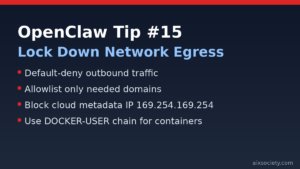
OpenClaw Tip #15: reduce data-exfiltration risk by restricting outbound traffic, allowlisting endpoints, and blocking cloud
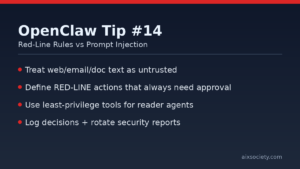
OpenClaw prompt injection defense: define red-line rules, separate reader vs doer work, and require approval
HKOEA Consultancy
Licence No. 59684
© 2025 Artificial Intellegence Application Research Society. All rights reserved
by Originals Group – Hong Kong, Malaysia, GBA