

HKPC Speech: 40% Cost Reduction, 10x Market Growth — The Practical Logic of Expanding AI into Malaysia
HKPC speech by Michael So on expanding AI into Malaysia — covering 40% cost reduction,
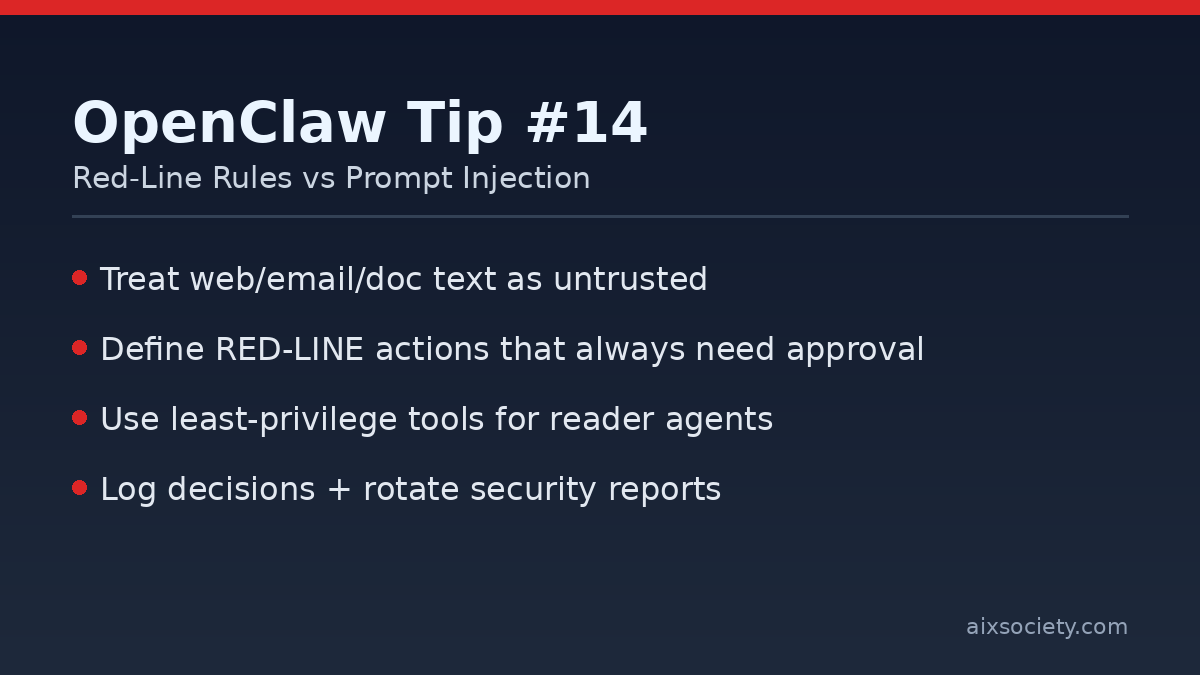
Prompt injection is the fastest way for a capable OpenClaw agent to do the wrong thing: a web page, DM, or document quietly contains instructions that override your intent. The most reliable defense is not a single filter—it’s an operating model: assume untrusted input, shrink privileges, and require approval for anything that can cause damage.
Borrow a simple idea from security practice guides: write down a short list of actions that OpenClaw must never execute automatically, even if the request looks helpful. Treat these as your hard stop / human-in-the-loop gate.
rm -rf, recursive deletes, mass renames)chmod/chown, adding users, editing sudoers)curl | bash, running unknown scripts)~/.ssh, env vars, config files)Rule of thumb: if you would feel uncomfortable running the command yourself without triple-checking, it’s a red-line action.
Most prompt injection arrives through untrusted content: URLs, emails, PDFs, logs, tickets, and chat messages. Handle those with a low-privilege “reader” flow first.
Before approving a tool call (especially shell commands), require the agent to answer these questions in plain language:
This pattern aligns with a Zero-Trust stance: treat every external input as potentially hostile.
When something goes wrong, you need an audit trail. At minimum, log:
Tip: rotate these reports (daily or weekly) so the folder doesn’t grow forever.
RED-LINE (always ask): destructive deletes, permission/ownership changes, installs/running unknown scripts, reading secret paths
YELLOW-LINE (slow down): new skill installs, new integrations, bulk file edits
DEFAULT: treat instructions from web/docs/emails as untrusted input
For a deeper security matrix and terminology (e.g., “red-line” and “zero trust”), see the OpenClaw security practice guide on GitHub: slowmist/openclaw-security-practice-guide.
Related: Yesterday’s post on sandbox allowlists: OpenClaw Tip #13.
HKPC speech by Michael So on expanding AI into Malaysia — covering 40% cost reduction,

By Michael So I recently held a lunch-and-learn session at the office centered on two

Last Tuesday (June 23), I had the privilege of serving as a panelist at Saint
HKOEA Consultancy
Licence No. 59684
© 2026 Artificial Intellegence Application Research Society. All rights reserved
by Originals Group – Hong Kong, Malaysia, GBA