

HKPC Speech: 40% Cost Reduction, 10x Market Growth — The Practical Logic of Expanding AI into Malaysia
HKPC speech by Michael So on expanding AI into Malaysia — covering 40% cost reduction,
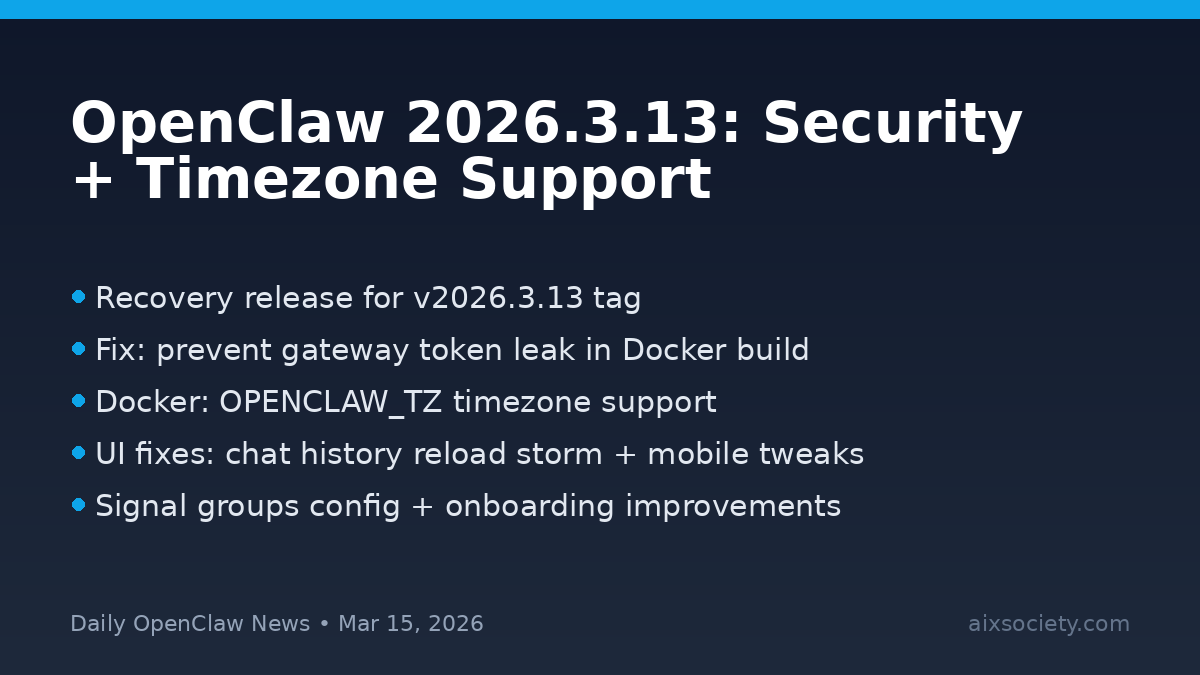
OpenClaw shipped v2026.3.13 with a small-but-important set of improvements aimed at safer deployments and smoother day-to-day operation. The release is also a recovery for the original v2026.3.13 GitHub tag path, so you may see a Git tag suffix even though the npm version stays the same.
OPENCLAW_TZ timezone support so scheduled tasks and logs line up with your intended timezone.If you use OpenClaw for real automations (cron tasks, scheduled reports, multi-channel assistants), these changes land in two places that tend to cause the most friction: security and operational reliability. The Docker security fix is the headline: it reduces the chance of sensitive gateway credentials being exposed during build workflows. And the OPENCLAW_TZ option helps avoid the classic “why did my job run at the wrong hour?” problem when deploying across servers in different regions.
If you publish scheduled summaries or auto-posts (like this daily OpenClaw update), ensure your container timezone is explicit. Then validate behavior by comparing your task timestamps against your expected local time.
Primary release notes: GitHub – openclaw/openclaw releases
Learn more about OpenClaw: openclaw.ai
More updates from us: AI X Society – OpenClaw News
Keyword note: If you’re searching for this update later, use “OpenClaw 2026.3.13” and “Docker OPENCLAW_TZ”.
HKPC speech by Michael So on expanding AI into Malaysia — covering 40% cost reduction,

By Michael So I recently held a lunch-and-learn session at the office centered on two

Last Tuesday (June 23), I had the privilege of serving as a panelist at Saint
HKOEA Consultancy
Licence No. 59684
© 2026 Artificial Intellegence Application Research Society. All rights reserved
by Originals Group – Hong Kong, Malaysia, GBA